Terraform State Drift: Detect It, Understand It, Fix It Safely
When real infrastructure no longer matches Terraform state, every plan becomes a guess. Learn to detect drift with refresh-only plans and decide, attribute by attribute, which side should win.
Contents
Terraform state drift is the gap between what your state file says exists and what actually runs in the cloud. Someone resizes an instance in the console during an incident, an autoscaler adds a tag, a colleague deletes a security group rule by hand. Terraform does not notice until the next plan, and by then the change may be weeks old and nobody remembers why it happened.
Drift is not a bug in Terraform; it is the natural result of more than one thing managing the same infrastructure. This guide shows how to detect it reliably, decide which side is right, and bring state, code and reality back into agreement without surprises.
Where terraform state drift comes from
Terraform keeps three views of every resource: the configuration in your .tf files, the last known attributes in state, and the real object behind the provider's API. Drift means the third view changed while the first two did not. The usual sources are:
Manual changes in a web console or CLI, often made under pressure.
Other automation: autoscalers, operators, security tools that add tags or rules.
Resources deleted outside Terraform, which leave stale entries in state.
Provider upgrades that start reading attributes they used to ignore.
Detect drift with a refresh-only plan
A normal terraform plan mixes two questions: what changed in reality, and what would change to match the code. A refresh-only plan answers only the first one, which makes it the right tool for an honest drift report:
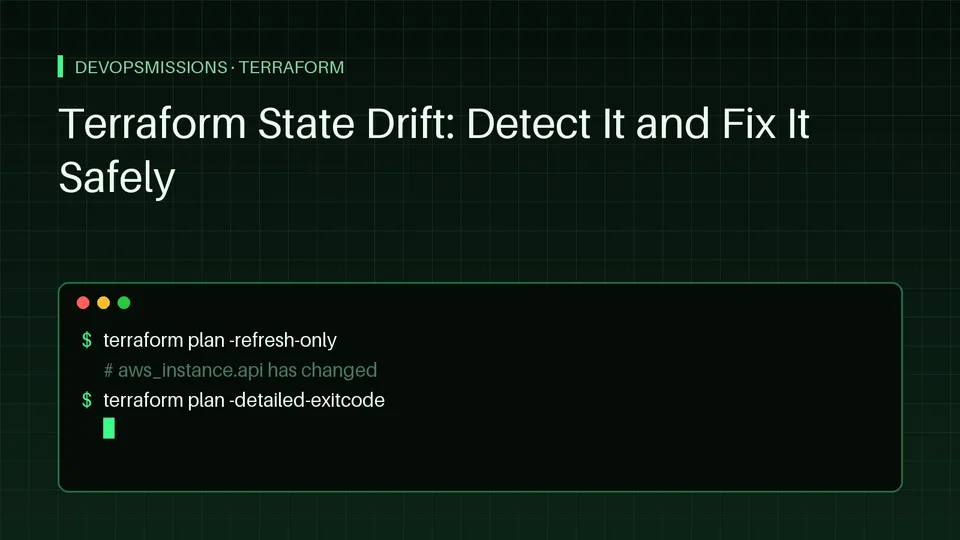
terraform plan -refresh-only

# Note: Objects have changed outside of Terraform
#
#   # aws_instance.api has changed
#   ~ resource "aws_instance" "api" {
#       ~ instance_type = "t3.small" -> "t3.large"
#         id            = "i-0a12b34c56d78e90f"
#     }
Run it on a schedule in CI with -detailed-exitcode. Exit code 2 means a difference was found, which turns drift from a surprise into an alert.
Treat the scheduled run as a smoke detector rather than a fire extinguisher. Its only job is to tell the owning team that something changed, with enough context to act: the workspace, the resource addresses and the attributes that moved. Post that summary to the team's channel and resist the temptation to let the pipeline apply anything automatically. An automatic apply would quietly undo an emergency fix that someone made for a good reason.
Read the output carefully
The arrow shows state on the left and reality on the right. Nothing has been written yet. The question to ask now is not how to make the diff go away, but which value is correct.
Decide which side wins
Every drifted attribute ends in one of three outcomes, and choosing deliberately is the whole skill:
The manual change was a mistake. Leave state alone and run a normal
terraform apply, which puts reality back to what the code says.The manual change was right. Update the configuration to the new value, then run
terraform planuntil it reports no changes.The attribute is owned by something else, such as an autoscaler. Tell Terraform to stop managing it with
ignore_changes.
resource "aws_autoscaling_group" "web" {
  name             = "web"
  min_size         = 2
  max_size         = 10
  desired_capacity = 2

  lifecycle {
    # the autoscaler owns this value at runtime
    ignore_changes = [desired_capacity]
  }
}
Accepting reality into state without touching code is possible with terraform apply -refresh-only, but use it as a deliberate step, not a habit. If the code still says the old value, the next normal apply will revert the change anyway.
Resources created or deleted outside Terraform
Drift is not only about attributes. A resource deleted by hand shows up as something Terraform wants to create again. If it should stay gone, remove it from the configuration; if only the state entry is stale, a removed block documents the intent in code review:
removed {
  from = aws_security_group_rule.legacy_ssh

  lifecycle {
    destroy = false
  }
}

import {
  to = aws_s3_bucket.reports
  id = "acme-reports-prod"
}
The import block handles the opposite case: something created by hand that Terraform should manage from now on. Both blocks go through plan and review like any other change, which is far safer than editing state with terraform state rm from a laptop.
Protect the state while you work
Use a remote backend with locking, so two people cannot apply at the same time, and keep versioning enabled on the bucket that stores state. Before any manual state operation, take a copy with terraform state pull > backup.tfstate.
Make drift rare
Give humans read-only console access in production and a fast path to change code.
Run the refresh-only plan nightly and route its exit code to an alert.
Mark fields owned by other systems with ignore_changes on purpose, not by accident.
Review provider upgrades with a plan before merging them.
A plan that says no changes is a promise. Drift detection is how you keep it.
HashiCorp's tutorial on managing resource drift covers the same workflow with a hands-on example.
The Terraform track in DevOpsMissions includes war-game missions where state and reality have drifted apart and you must reconcile them without destroying anything. Compare the free and Pro options on the pricing page or browse the tracks first.